

Twitch styled
6015
2201
There are a lot of fans of games among us that we don't play, but love to watch the walkthrough on streaming services like Twitch. And this is an interactive service for live broadcasting not only gaming, but also entertainment, sports, music content and much more. There are often disputes on the net, which service is better, YouTube or Twitch, but now you don't have to choose, just install a stylized Twitch YouTube skin and stay on the wave!
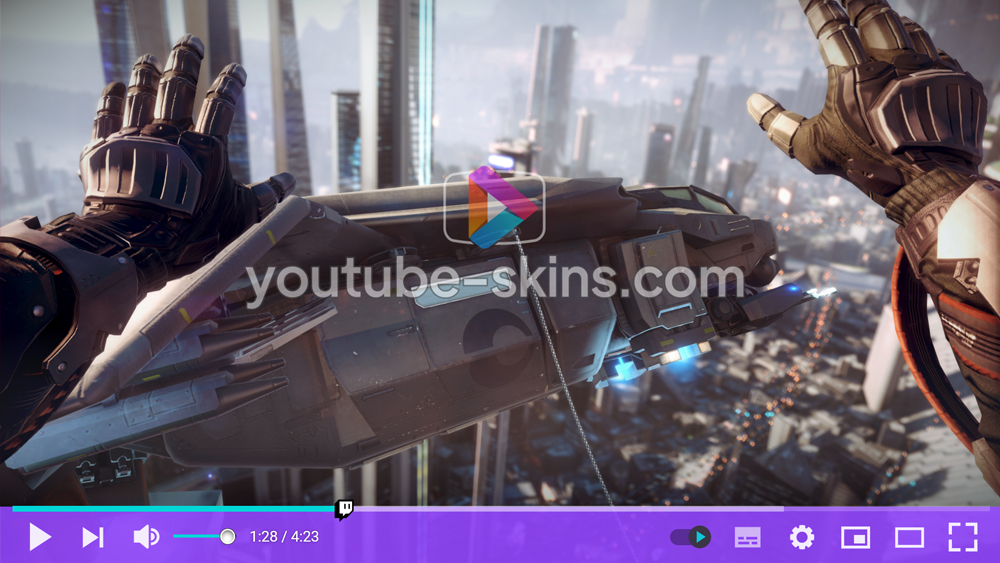
What is in this skin
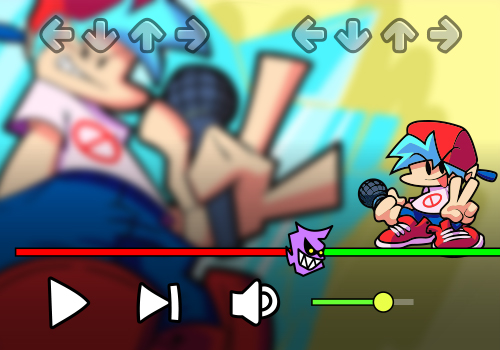
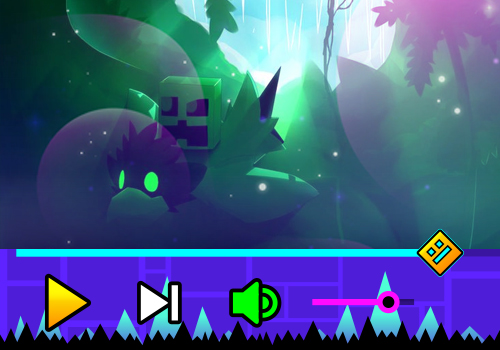
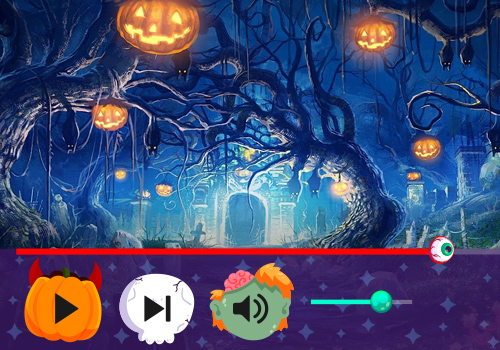
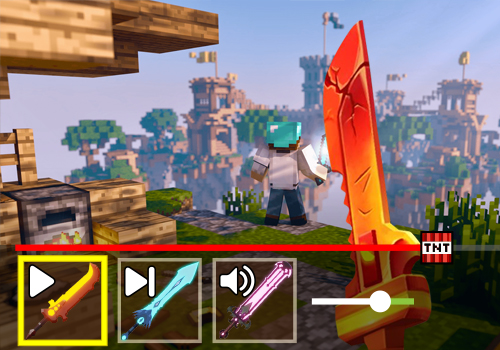
- Player buttons - play, pause, volume, settings, full screen - redrawn in the Twitch styled style.
- A matching progress bar and volume slider.
- A custom gradient under the controls, so the bar fits the picture on any video.
How to apply this skin
- Add Skins for YouTube player to Chrome from the Chrome Web Store. It is free.
- Press Add on this page - the skin is saved in the extension and applied at once.
- Open any YouTube video. To switch skins or turn one off, click the extension icon next to the address bar.
Is this skin free?
Yes. Every skin on the site and the extension itself are free, with no account.
Does it work on a Chromebook?
Yes, wherever Chrome Web Store extensions are allowed. Nothing is downloaded.
Does the skin change YouTube itself?
Only the way the player looks in your browser. Videos, ads and your account are not touched; turn the extension off and the player is back to default.
Get the extensionFree · 130+ skins · works on Chromebook
Add