


YouTube dark mode: how to turn it on, and the exact color codes
Dark mode is three clicks away on every device - the steps for desktop, Android, iPhone and TV are below. If you need the actual colours YouTube uses (for a theme, a wallpaper or a design), they are in the table. And if you want it always on, truly black for OLED, or the player itself to change, there is a free extension for that.
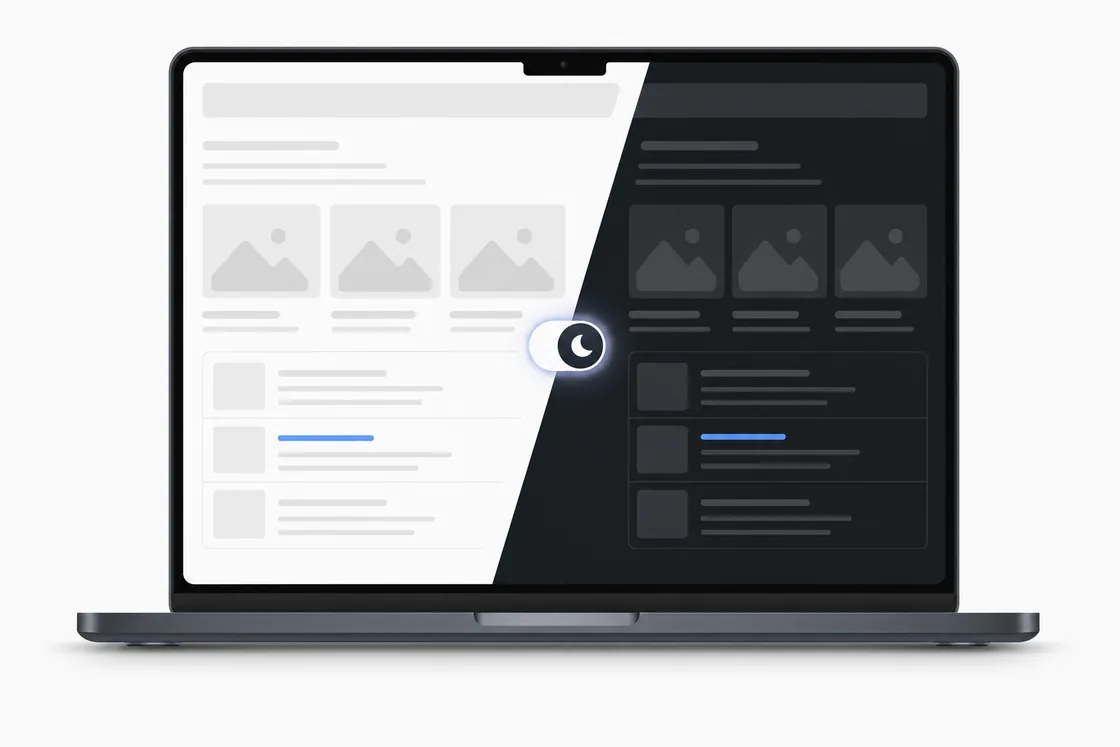
Turn on dark mode on a computer
- Open youtube.com and click your profile picture in the top-right corner. Not signed in? Click the three-dot menu in the same corner instead.
- Choose Appearance.
- Pick Dark theme. Use device theme makes YouTube follow your Windows, macOS or ChromeOS setting instead.
The choice is saved for that browser, and for your account when you are signed in. It applies to every page - home, watch page, search, Studio.
Turn on dark mode in the app (Android and iPhone)
- Tap your profile picture at the bottom right (or top right on older versions).
- Tap the gear for Settings, then General.
- Tap Appearance and choose Dark theme - or Use device theme to follow the phone's setting.
On a TV or a console, dark is the only look YouTube offers; there is no switch to change it.
YouTube dark theme color codes
These are the values YouTube's dark theme uses on the desktop site in 2026 (they moved from #181818 to #0F0F0F in the 2022 redesign). Handy for a matching wallpaper, a Discord theme or a design mock-up.
| Element | Hex | RGB | Swatch |
|---|---|---|---|
| Page background | #0F0F0F | 15, 15, 15 | |
| Sidebar, cards, dialogs | #212121 | 33, 33, 33 | |
| Hover / raised surface | #272727 | 39, 39, 39 | |
| Chips, secondary buttons | #3F3F3F | 63, 63, 63 | |
| Primary text | #F1F1F1 | 241, 241, 241 | |
| Secondary text | #AAAAAA | 170, 170, 170 | |
| Links, active elements | #3EA6FF | 62, 166, 255 | |
| YouTube red (logo, progress bar) | #FF0000 | 255, 0, 0 | |
| Old dark background (2017–2022) | #181818 | 24, 24, 24 |
Always dark, and true black, with one switch
YouTube's own setting is per browser and per device, and with Use device theme it flips back to light every morning. Skins for YouTube player, our free Chrome extension, has a Dark theme switch in its popup that keeps every YouTube page dark - the same theme YouTube ships, just always on - and a True black switch that replaces the dark grey #0F0F0F with pure #000000: the page, the sidebar, the search bar, the menus. On an OLED screen black pixels are simply off, so the page looks deeper and the laptop battery lasts longer.
Make the player dark - or any colour - with a skin
Dark mode changes the page around the video, not the player: the play button, the progress bar, the volume slider and the settings icons stay the same white-on-grey set. Skins for YouTube player replaces that set. There are 29 dark skins - matte black, neon on black, glowing purple - plus glow and purple sets that were drawn for dark mode. Pick one on the site, press Add, and the player changes on every video; the same extension can also turn the lights off around the video (cinema mode) and keep the progress bar always visible.
Frequently asked questions
What is the YouTube dark mode color code?
The page background is #0F0F0F, raised surfaces such as the sidebar and cards are #212121 and #272727, primary text is #F1F1F1, secondary text #AAAAAA, links and the active state #3EA6FF. YouTube red stays #FF0000.
How do I turn on dark mode on YouTube on a computer?
Click your profile picture in the top right, choose Appearance and pick Dark theme. It applies to the whole site and is remembered for that browser.
How do I turn on dark mode in the YouTube app?
Android and iPhone: profile picture → Settings → General → Appearance → Dark theme. On both you can also choose Use device theme so YouTube follows the phone.
Can the player itself be dark, or a different colour?
The built-in theme only switches between light and dark. To change the player - buttons, progress bar, colours - you need an extension. Skins for YouTube player is a free one with more than 120 skins, including 29 dark ones.
Why does YouTube keep switching back to light?
Because Use device theme is selected and your system switches to light during the day. Pick Dark theme explicitly instead of the device option, and make sure you are signed in so the choice follows your account.
Is there a keyboard shortcut for YouTube dark mode?
No. YouTube has no shortcut for the theme; it is three clicks through the profile menu - or the Dark theme switch in Skins for YouTube player, which keeps the site dark for you.
Is there a true black (OLED) mode for YouTube?
Not built in - YouTube's dark theme is dark grey, #0F0F0F. Skins for YouTube player, a free Chrome extension, adds a True black switch that turns the page, sidebar and menus pure #000000.