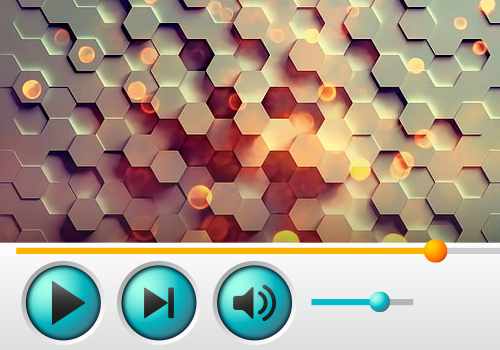


Feel the atmosphere of iTunes
3682
2726
Mac OS is one of the most popular operating systems in the world, it has its own recognizable design, which is one of the reasons why users love it. It is the popularization of the graphical user interface in modern operating systems that is often considered the merit of Mac OS. Now, thanks to the iTunes skin for YouTube player, you can stylize the player's interface and feel the special atmosphere of Apple's proprietary operating system.
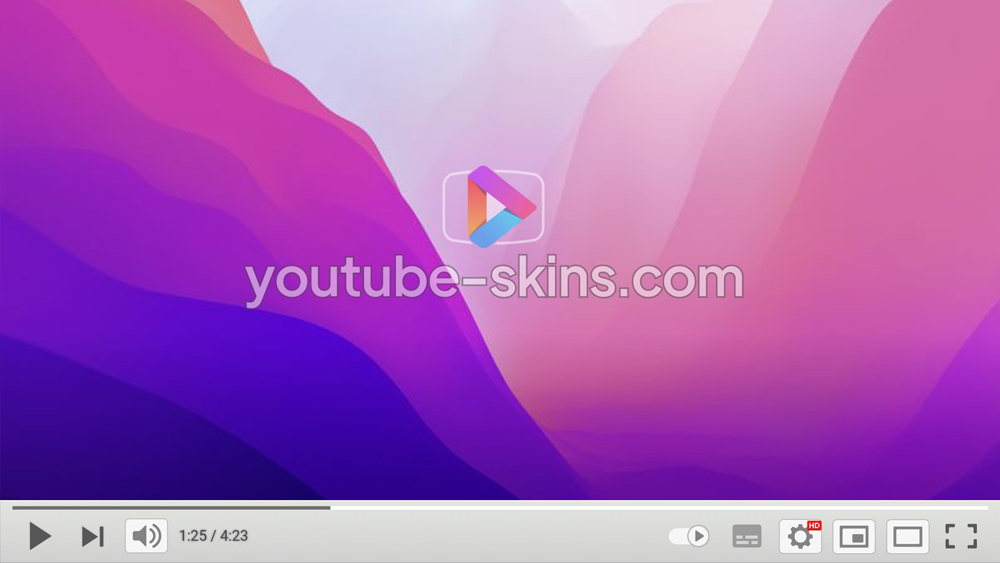
What is in this skin
- Player buttons - play, pause, volume, settings, full screen - redrawn in the Feel the atmosphere of iTunes style.
- A matching progress bar and volume slider.
- A custom gradient under the controls, so the bar fits the picture on any video.
How to apply this skin
- Add Skins for YouTube player to Chrome from the Chrome Web Store. It is free.
- Press Add on this page - the skin is saved in the extension and applied at once.
- Open any YouTube video. To switch skins or turn one off, click the extension icon next to the address bar.
Is this skin free?
Yes. Every skin on the site and the extension itself are free, with no account.
Does it work on a Chromebook?
Yes, wherever Chrome Web Store extensions are allowed. Nothing is downloaded.
Does the skin change YouTube itself?
Only the way the player looks in your browser. Videos, ads and your account are not touched; turn the extension off and the player is back to default.
Get the extensionFree · 130+ skins · works on Chromebook
Add