

8-bit purple
8443
8705
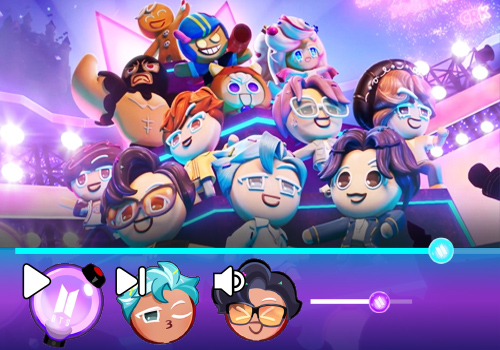
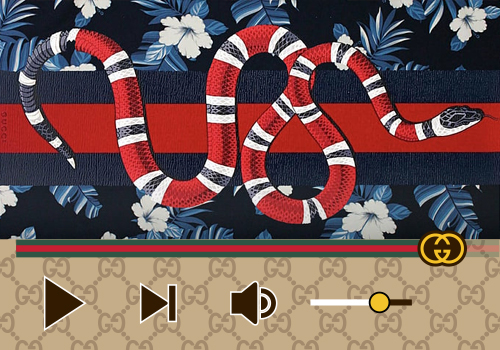
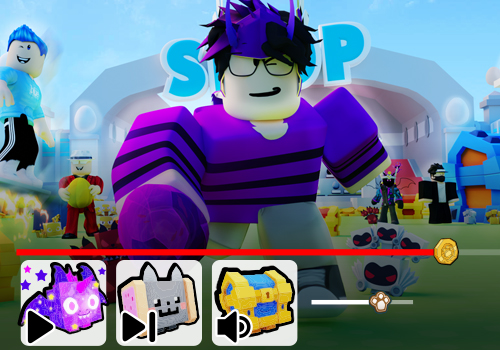
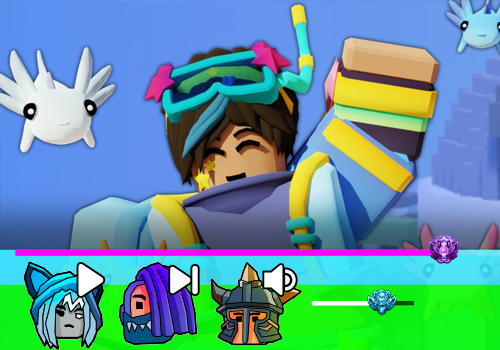
Introducing an 8-bit styled purple skin for your YouTube player! This retro-inspired design is perfect for gamers, tech enthusiasts, or anyone who loves a nostalgic look. The skin features a vibrant shade of purple, reminiscent of classic video game graphics.
The player's controls and buttons are designed in a pixelated, 8-bit style, adding to the overall vintage aesthetic. The progress bar is designed to look like an old-school loading bar, giving your videos a fun and unique touch.
Whether you're watching your favorite Let's Play, tuning into a tech tutorial, or streaming your own content, this 8-bit purple skin will add a playful and nostalgic vibe to your YouTube experience. So why settle for a boring, standard player? Spice up your viewing with this retro-inspired design today!
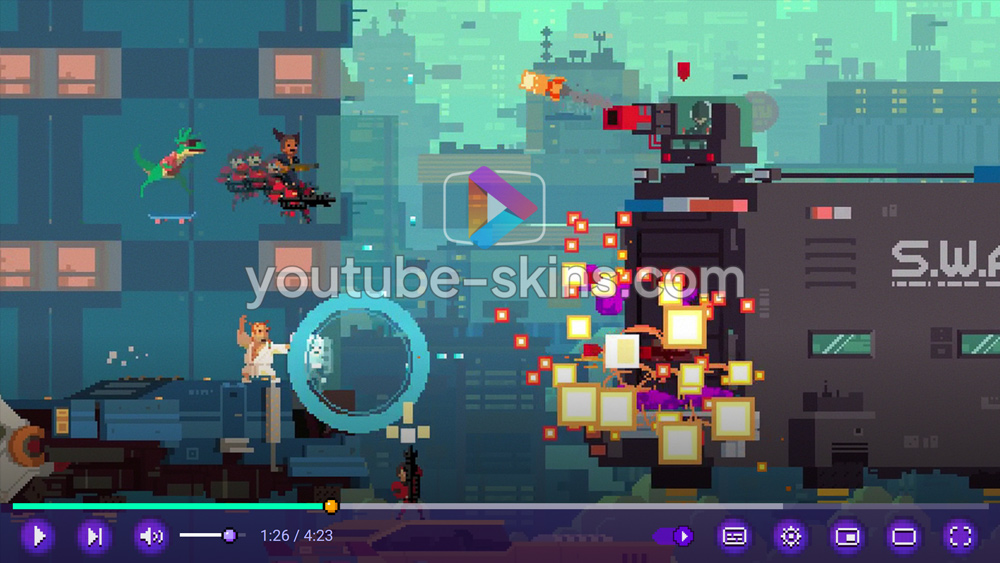
What is in this skin
- Player buttons - play, pause, volume, settings, full screen - redrawn in the 8-bit purple style.
- A matching progress bar and volume slider.
- A custom gradient under the controls, so the bar fits the picture on any video.
How to apply this skin
- Add Skins for YouTube player to Chrome from the Chrome Web Store. It is free.
- Press Add on this page - the skin is saved in the extension and applied at once.
- Open any YouTube video. To switch skins or turn one off, click the extension icon next to the address bar.
Is this skin free?
Yes. Every skin on the site and the extension itself are free, with no account.
Does it work on a Chromebook?
Yes, wherever Chrome Web Store extensions are allowed. Nothing is downloaded.
Does the skin change YouTube itself?
Only the way the player looks in your browser. Videos, ads and your account are not touched; turn the extension off and the player is back to default.
Get the extensionFree · 130+ skins · works on Chromebook
Add