

Tampa Airport Car Rental (TPA)
Pick Up Your Car in Under 10 Minutes
You’ve already booked the best deal through rentcarintampa.com — now here’s exactly where to go when you land.
Always book online in advance via rentcarintampa.com — you skip the counter queue completely and go straight to the garage or express pickup (Alamo, National, Enterprise, Hertz Fastbreak, etc.).
Step-by-Step: From Plane to Driving Off TPA in 10 Minutes
Follow the big purple signs “SkyConnect → Rental Cars” (they are everywhere in the main terminal).
Trains run every 3–4 minutes, 24/7. Journey to the Rental Car Center takes exactly 4 minutes.
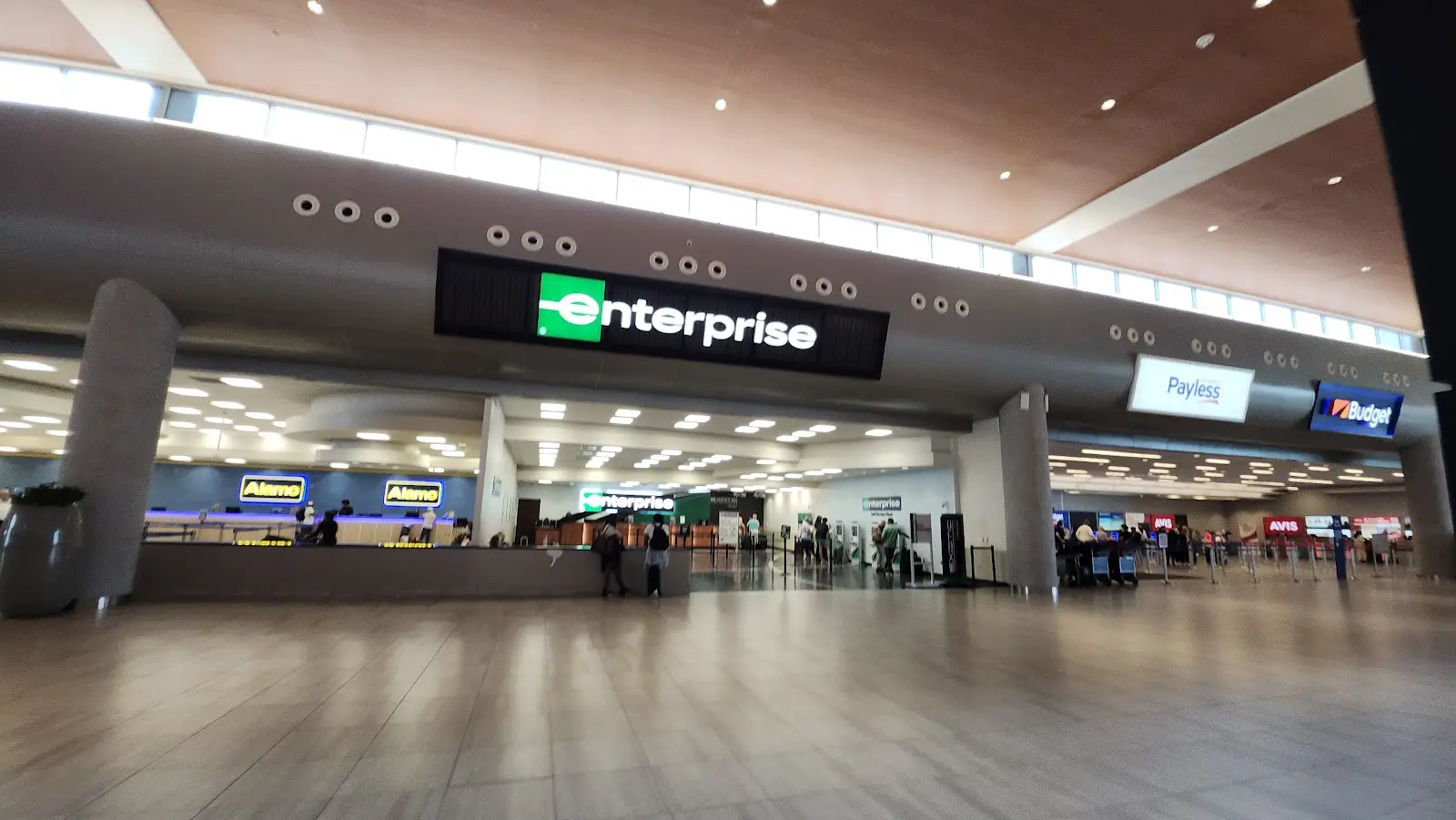
You exit directly into the modern 4-floor facility with ALL companies: Alamo, Avis, Budget, Dollar, Enterprise, Hertz, National, Payless, Sixt, Thrifty.
→ Go straight to your company’s counter (or express kiosk if you’re a member).
→ Show voucher + driver’s license + credit card.
→ In most cases you go directly to the garage and choose any car from your class (especially
National Emerald Aisle & Alamo).
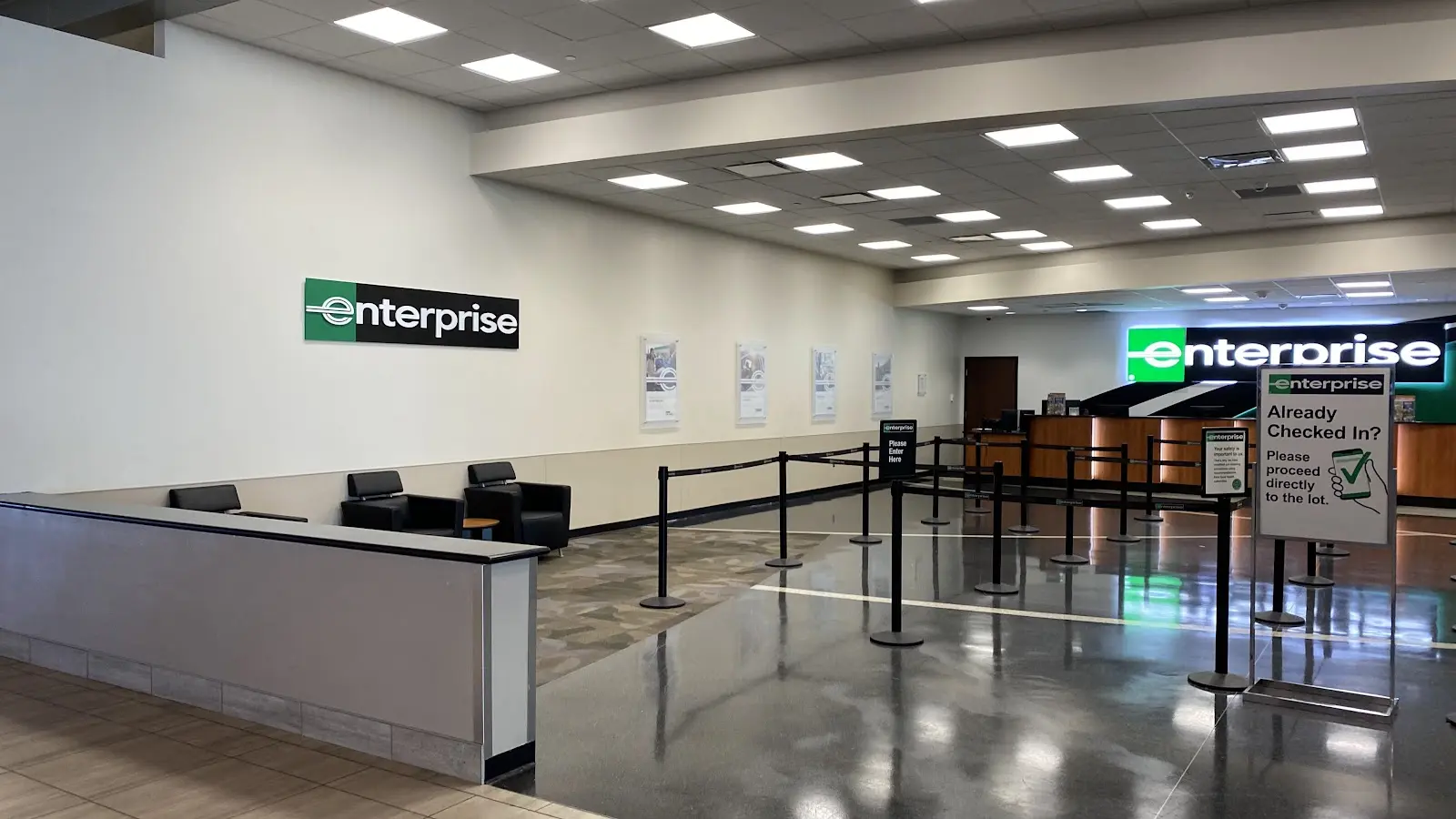
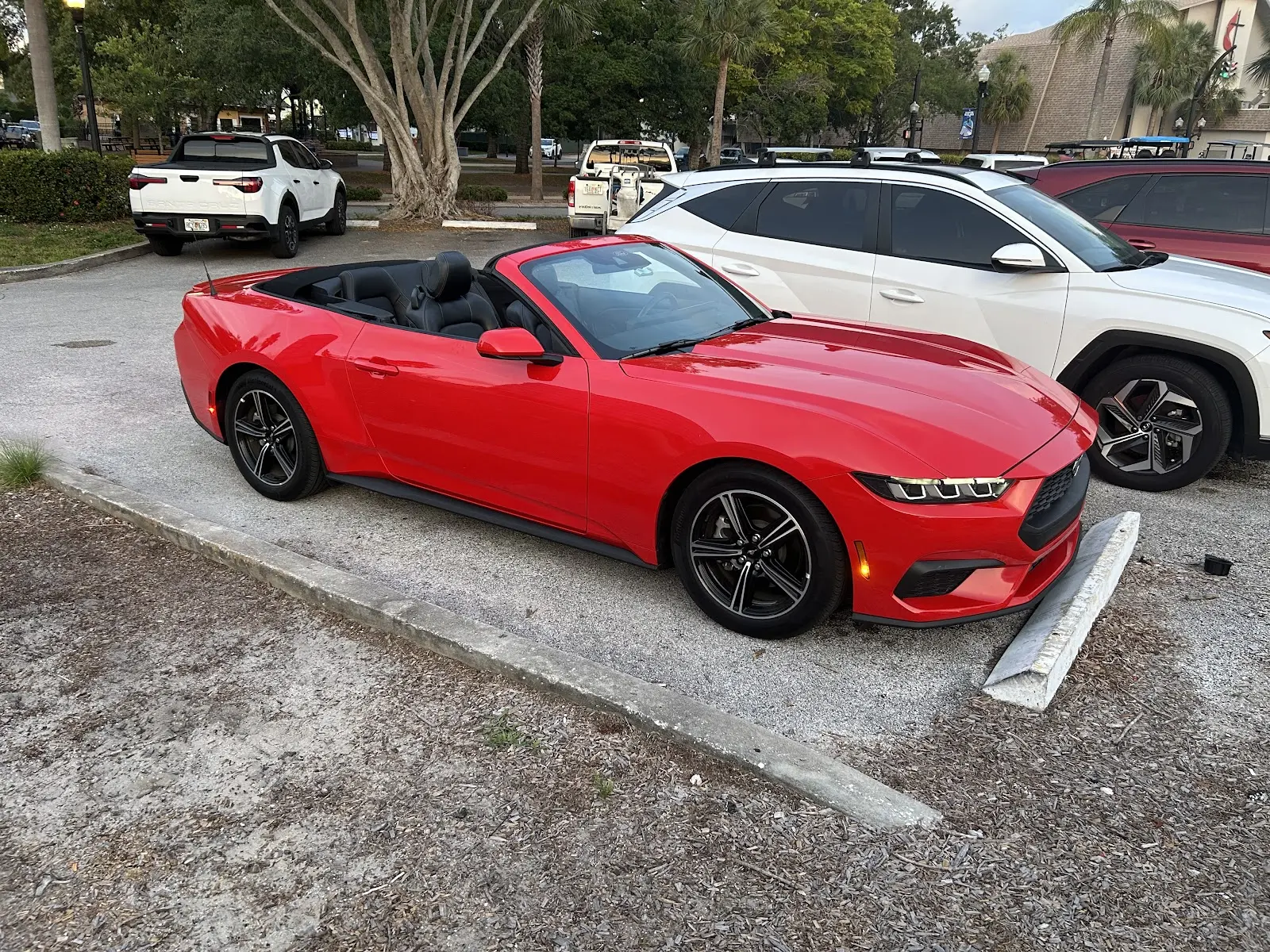
Tampa Airport Rental Car Center – Real Photos
Express & Skip-the-Counter Options (When You Book via Our Site)
- National Emerald Aisle – go straight to garage, pick any car, drive to exit booth
- Alamo Online Check-in – scan QR code, go directly to car
- Hertz Gold Plus Rewards – car waiting with your name on it
- Enterprise Plus – dedicated express pickup area
Returning the Car at TPA
Follow signs “Rental Car Return” → enter the same Rental Car Center garage → drop keys at your company’s return booth → take SkyConnect back to the terminal (or walk to long-term parking if needed).
Gas stations are 2–3 minutes before the airport on Spruce St & George J Bean Pkwy.
Pro Tips for Tampa Airport Car Rental 2025–2026
- TPA has NO off-airport shuttles for major brands – everything is on-site
- Add toll package or bring your own SunPass (Selmon Expressway, Veterans Expressway)
- Book compact/midsize for easiest parking at beaches and downtown
- International drivers – bring passport + printed insurance proof